FE Civil Study Plan: 8, 12 and 16-Week Schedules
Build an FE Civil study plan for 8, 12 or 16 weeks based on your starting knowledge and exam date. Learn how to organize topic reviews, practice problems and timed exams, with checkpoints to adjust your preparation as you progress.
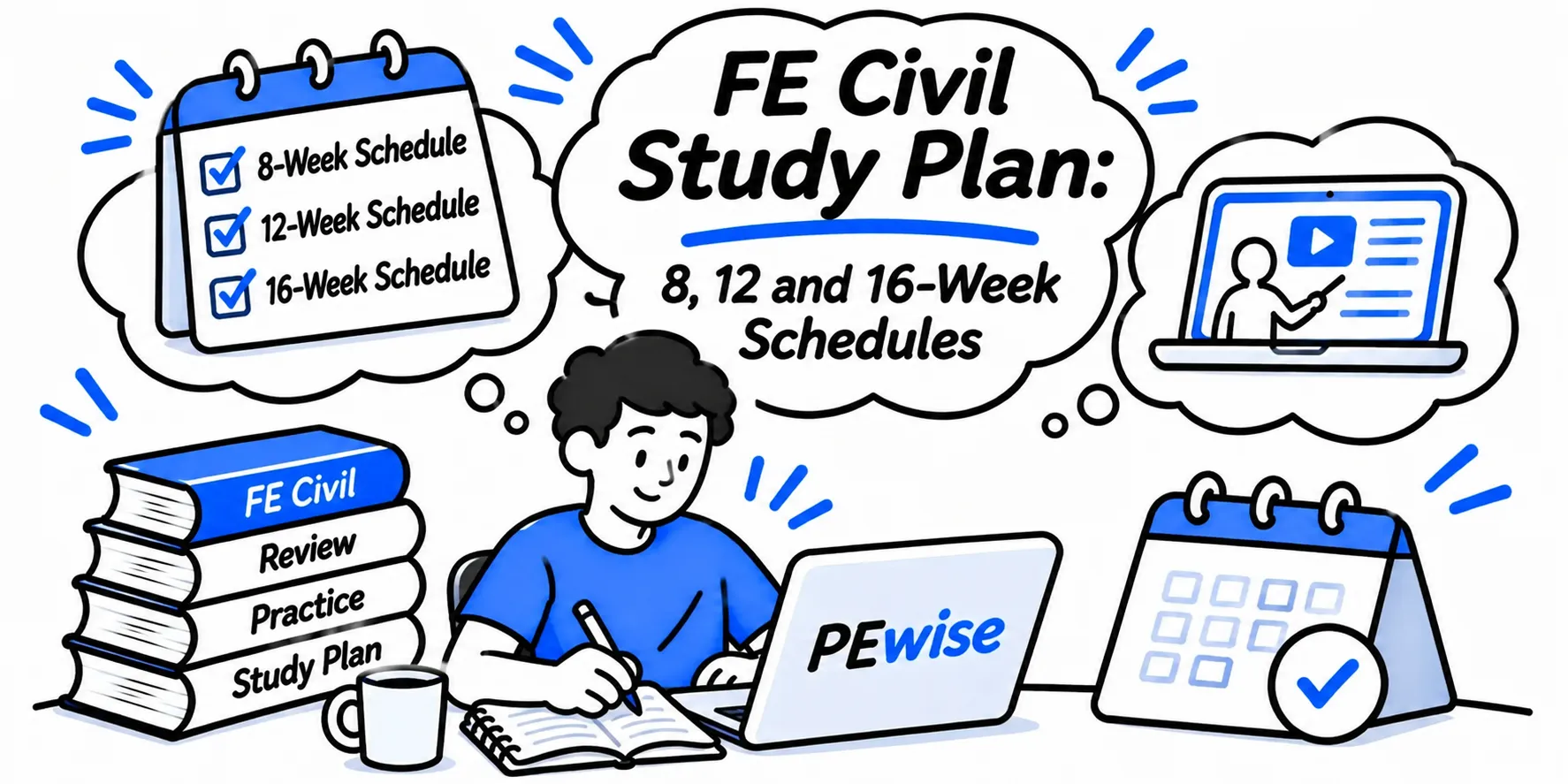
Build your FE Civil study plan from your exam date, the weekly time you can protect, and the topics you need to review. Choose an 8-, 12- or 16-week schedule, then adjust it using completed work and fresh practice results. Include explanation review, full practice exams and room for missed sessions from the start.
If you work full time or have a busy class schedule, begin by checking your calendar. A useful plan tells you what to finish in your next available block and what to change when that work takes longer than expected.
Choose a preparation window that fits your time
The examples below compare the same calendar capacity at three speeds. Each holds back 20% as unassigned reserve. These are adjustable planning examples, not required study hours or promises of readiness.
| Plan | Available each week | Total capacity | Planned work ceiling |
|---|---|---|---|
| 8 weeks | 15 hours | 120 hours | 96 hours |
| 12 weeks | 10 hours | 120 hours | 96 hours |
| 16 weeks | 7.5 hours | 120 hours | 96 hours |
Each example leaves 24 hours unassigned across the plan. Known absences reduce these figures. If your measured workload exceeds the ceiling, increase available time or extend the window. You can also choose a different weekly budget; eight, twelve and sixteen weeks are starting points.
View the PEwise FE Civil course sequence
Calculate how much study work your calendar can hold
Count preparation weeks before the exam, excluding the exam appointment. Add reliable study blocks, remove known conflicts, then retain a reserve for disruption. For a changing work schedule, add the individual blocks instead of assuming every week is identical.
Use this calculation: planned work capacity = available hours after known absences × the fraction you choose to schedule. With a 20% reserve, schedule 80% of the available hours.
For example, 10 hours a week for 12 weeks gives 120 hours. If travel and deadlines remove 12 hours, 108 remain. Holding back 20% leaves 86.4 hours for assigned work and 21.6 hours of reserve. A 96-hour task list exceeds that capacity by 9.6 hours.
That gap is a decision to make now. Find real additional time, revise an overstated task estimate using evidence, or consider a longer window. Removing review from the calendar would hide part of the work you still need to do.
Measure your pace before committing to the schedule
During your first two weeks, record complete-task time: instruction, independent attempts, explanation review and logging. Separate familiar material from topics you need to relearn. A short video can lead to a much longer study task.
Suppose five comparable tasks take 30, 40, 35, 50 and 45 minutes, including review. Their average is 40 minutes. Twelve similar remaining tasks would take about 8 hours. Use a wider estimate for unfamiliar work, and add simulations separately so you do not count them twice. This is an illustrative estimate, not a study-time benchmark.
Use fresh questions to identify gaps, and keep questions you have already reviewed out of later performance checks. A small diagnostic is a starting signal; confirm a pattern before changing the whole plan.
A 12 week FE Civil study schedule
Use this version if you can protect roughly 10 hours each week and your initial workload estimate fits. The topic names follow the official FE Civil specification. Their placement below is our suggested sequence, with broader coverage completed before the first full simulation. [2]
| Week | Main assignment | Checkpoint |
|---|---|---|
| 1 | Read the specification; sample current skills; learn the handbook layout | Create your calendar and gap list |
| 2 | Mathematics and Statistics; Ethics and Professional Practice; Engineering Economics | Recalculate task durations |
| 3 | Statics and Dynamics | Check fresh attempts and prerequisites |
| 4 | Mechanics of Materials and Materials | Review earlier errors |
| 5 | Fluid Mechanics and Surveying | Check coverage and lookup delays |
| 6 | Water Resources and Environmental Engineering | Revisit unresolved earlier work |
| 7 | Structural Engineering and Geotechnical Engineering | Split work if the pairing exceeds capacity |
| 8 | Transportation Engineering and Construction Engineering | Confirm every area has been visited |
| 9 | First full simulation and explanation review | Select specific repairs |
| 10 | Targeted repairs and mixed practice | Check the repaired skills on fresh work |
| 11 | Second fresh full simulation and review | Resolve remaining gaps; reassess the date |
| 12 | Light review, handbook familiarity and exam logistics | Protect rest and confirm arrangements |
Allocate more time to areas where fresh attempts show a gap; paired topics do not imply equal effort. Keep brief reviews of earlier work throughout. If a heavy week does not fit, redistribute work before the simulation or extend the plan. Preserve time for the second simulation’s review.
An 8 week FE Civil study schedule
An eight-week plan may fit someone whose diagnostic shows mostly refresh work and who can protect longer study blocks. It leaves less room for extensive relearning. Being close to the exam date does not make the workload smaller.
At the illustrative 15-hour weekly budget, the calendar offers 120 hours before absences. Assign no more than 96 hours initially, leaving the rest available for recovery and revised estimates. You do not have to use every assigned hour if you finish the work earlier.
| Week | Main assignment | Checkpoint |
|---|---|---|
| 1 | Diagnostic, calendar setup, math and statistics, ethics, economics | Estimate the remaining workload |
| 2 | Statics, dynamics, mechanics of materials | Check that prerequisite gaps are manageable |
| 3 | Materials, fluid mechanics, surveying | Review recurring errors |
| 4 | Water resources and environmental engineering; structural engineering | Recheck whether the workload still fits |
| 5 | Geotechnical, transportation and construction engineering | Confirm broad coverage before simulation |
| 6 | First full simulation, explanation review and repairs | Choose the next repair from the results |
| 7 | Second fresh full simulation and explanation review | Check unresolved coverage and timing |
| 8 | Light review, handbook practice and logistics | Finish with a manageable final week |
When to choose a longer plan
Change the eight-week plan if the first two weeks show repeated setup failures across several areas, if explanations take much longer than expected, or if the necessary study blocks keep disappearing. A compressed schedule is suitable only while its tasks fit the time you can actually use.
Keep a small amount of earlier-topic review inside each week’s budget. When one area is consistently strong on fresh attempts, shorten repetitive work there and move that time to a confirmed gap. Keep every official area on the coverage checklist.
If you are still rebuilding several prerequisites at the end of week 2, estimate those tasks before continuing. More hours on paper will not help unless those hours are available.
A 16 week FE Civil study schedule
A sixteen-week plan spreads the same example calendar capacity across more weeks. It may suit a tighter weekly calendar, but substantial relearning can still require more total time. Use the longer window to revisit earlier work, not to postpone practice until the end.
| Week | Main assignment | Checkpoint |
|---|---|---|
| 1 | Calendar, specification and baseline sampling | Identify known absences |
| 2 | Additional sampling; handbook and calculator familiarity | Set a provisional workload estimate |
| 3 | Math and statistics; ethics | Record complete-task time |
| 4 | Economics and statics | Recheck the workload estimate |
| 5 | Dynamics and mechanics of materials | Confirm prerequisite understanding |
| 6 | Materials and surveying | Revisit earlier errors |
| 7 | Fluid mechanics | Check lookup and setup delays |
| 8 | Water resources and environmental engineering | Review older areas briefly |
| 9 | Structural engineering | Check fresh attempts |
| 10 | Geotechnical engineering | Reassess unresolved work |
| 11 | Transportation and construction engineering | Finish the first coverage pass |
| 12 | First full simulation; begin explanation review | Record errors and unanswered items |
| 13 | Finish review and repair selected gaps | Check repairs on fresh work |
| 14 | Second fresh full simulation; begin review | Identify remaining gaps |
| 15 | Finish review and targeted repairs | Reassess readiness and date feasibility |
| 16 | Light review and logistics | Protect rest and confirm arrangements |
At 7.5 available hours a week, a full simulation occupies most of one week. Move its detailed review into the following week rather than pretending it fits a normal short session. Redistribute lighter work and reserve across the plan while keeping the total within capacity.
Check paid-resource access against your start and finish dates. PEwise currently includes three months from enrollment, so a sixteen-week plan needs continued access or another confirmed arrangement. The listed extension is $70 for three more months. Check exact access dates for a twelve-week plan too. [3]
Build a weekly calendar while working full time
Choose study times you can repeat through an ordinary workweek. Put rest and essential responsibilities on the calendar first. Then give each study block a task with a clear endpoint, such as completing an attempt, reviewing its explanation and recording the next action.
Here is one routine week for the 12-week example. It schedules eight hours of work and keeps two hours available as reserve. The reserve is an actual usable slot, not time that is already committed elsewhere.
| Day | Duration | Assignment |
|---|---|---|
| Monday | 45 minutes | Retrieval of earlier work and one focused task |
| Tuesday | 75 minutes | Instruction, independent attempt and review |
| Wednesday | 45 minutes | Revisit an error using a fresh attempt |
| Thursday | 75 minutes | Continue the current area and review |
| Friday | No assigned study | Rest or existing commitments |
| Saturday | 3 hours | Longer practice and explanation review |
| Sunday | 1 hour assigned; 2 hours reserve | Review progress and set next actions; use reserve only if needed |
For a shorter block, try 5 minutes of retrieval, 15 minutes of instruction, 15 minutes of an independent attempt and 10 minutes of review. That totals 45 minutes. If the task needs longer, continue it in another block; do not mark it complete because the timer ended.
Replace the routine during simulation weeks
The standard FE exam has 110 questions and 5 hours 20 minutes of testing within a six-hour appointment. For a full simulation, allow the testing time plus the scheduled break and setup. Use your approved timing if accommodations apply. [1]
For example, reserve a six-hour Saturday window for setup, 5 hours 20 minutes of testing and a 25-minute break, leaving 15 minutes for setup and transitions. In the 10-hour week, use two more hours for explanation review and retain two hours of reserve. Replace the normal weekday assignments. If review needs longer, schedule the remainder next week and remove another assignment of equal duration.
Use a calendar for time and a tracker for evidence
Any editable calendar or digital planner can hold the appointments. Use a simple tracker with: date, planned duration, topic, task, completion criterion, actual duration, error type and next action. Set reminders if they help you start. Update missed blocks manually unless your chosen tool supports that function.
Write “attempt, review, then retry without the solution” rather than “study fluids.” The first entry makes it possible to judge whether the session is complete. Record unfinished review as remaining work.
Check progress and recover after missed sessions
At the end of each week, compare assigned tasks with completed tasks and actual duration. Keep performance evidence alongside completion: accuracy on fresh attempts, timing, repeated error types and unvisited areas. Watching every lesson can leave practice gaps; one strong practice result can leave coverage gaps.
| What you observe | Change to make | Next session |
|---|---|---|
| Tasks fit and fresh work is improving | Keep the pattern | Continue the next confirmed gap |
| Tasks consistently overrun | Re-estimate remaining work | Reduce repetition supported by fresh evidence |
| One error repeats | Change the task mix | Repair that specific step, then check it again |
| Several areas remain untested | Protect breadth | Sample an unvisited area |
| Backlog exceeds spare capacity | Rebuild the calendar | Adjust real availability or reconsider the date |
Recover from a missed session using available reserve
Consider a routine week with eight assigned hours and two reserve hours. You miss three assigned hours but the two-hour reserve slot remains usable. Complete two of the missed hours in that slot and carry one hour into the next week. Next week needs 8 + 1 = 9 hours, within its 10-hour capacity.
If the reserve slot is also lost, all three hours remain unfinished. Moving them into a week already holding eight hours creates an 11-hour workload in a 10-hour calendar. Redistribute at least one hour elsewhere or change the plan. A slot cannot count as both lost time and available reserve.
Recover from a missed week by rebuilding the remaining plan
List the unfinished work, including its review. Compare its estimated duration with unused capacity in the remaining weeks. Move the most useful unfinished tasks into specific slots and reduce repetition where fresh evidence supports doing so. Preserve broad coverage, simulations and explanation review.
For example, eight unfinished hours cannot fit into only six remaining reserve hours. The two-hour gap still needs an available slot or a change to the task list. Do not automatically push every assignment forward and assume the final review period will absorb it.
If the remaining workload no longer fits, reconsider your available hours and exam date. Before changing an appointment, check current NCEES and Pearson rules, deadlines, charges and seat availability. You may be able to move your appointment, but check before you count on it.
Separate calendar progress from readiness
Keep two questions visible: “Am I completing the plan?” and “Can I handle fresh, representative work under the intended conditions?” Look for unresolved areas, repeated errors and pacing problems across more than one check. These templates and practice results do not establish an official passing score or guarantee an exam outcome.
Use PEwise for the instruction in your plan
For candidates who want structured instruction to support this schedule, we recommend our PEwise FE Civil course. Its format fits the combination of short learning sessions and longer practice checkpoints used here. Try the teaching approach before committing to the paid course.
The course page lists short, single-concept lessons, 15 hours 34 minutes of video, two 110-question practice exams with knowledge-area reports, and a weekly live FE Power Hour. The free preview includes the course introduction and Engineering Probability and Statistics. Video runtime is only part of your study workload; allow time for independent attempts, quizzes and explanation review. [3]
Explore the curriculum and try the free preview
FE Civil study plan questions
Is eight weeks enough to prepare?
Eight weeks can be workable when your measured workload fits the available calendar and your practice identifies manageable gaps. If you need extensive relearning, a longer plan or more available time may be necessary. Recheck after your first two weeks.
How many hours a week should I study?
Choose a repeatable weekly budget, then compare its usable capacity with your task estimate. The examples here use 15, 10 and 7.5 hours across different windows. They are calendar examples, not required study targets. Include attempts and review in the estimate.
Can I prepare while working full time?
Use short weekday blocks for focused work, protect longer practice windows in advance and subtract known deadlines or travel. Review the calendar weekly. If a work change removes time, revise the remaining plan immediately.
What should I do if I miss a week?
Re-estimate unfinished work and place it into spare future slots. If it exceeds those slots, adjust the workload using fresh evidence, find additional available time or investigate a later exam appointment. Keep explanation review visible.
Do I need an app with automatic scheduling?
You can use an editable calendar and a simple tracker. Evaluate any scheduling tool by whether it handles your available blocks, longer simulations, unfinished tasks and progress evidence. Keep instruction quality and calendar features as separate purchase decisions.
When should I take a full practice exam?
These templates put the first full simulation after an initial pass through every area, with another fresh simulation before the final light-review week. Schedule explanation review too. Use separate diagnostic material earlier so the later checks remain fresh.
Set your next study session
Turn your FE Civil preparation plan into a clear next step. Choose a preparation window, subtract known conflicts and retain usable reserve. Schedule your first complete task and a two-week review date. If you need structured instruction, the PEwise FE Civil course combines video lessons, worked examples, quizzes and practice exams. Explore the course sequence and try the free preview during a study block you can realistically repeat.
Keep Reading
FE Civil Preparation Cost: Build a Realistic Budget
Compare FE Civil prep course costs, access periods, and included resources to build a study budget that fits your needs. Explore teaching and practice options, account for optional books and extensions, and avoid paying for resources you already have.
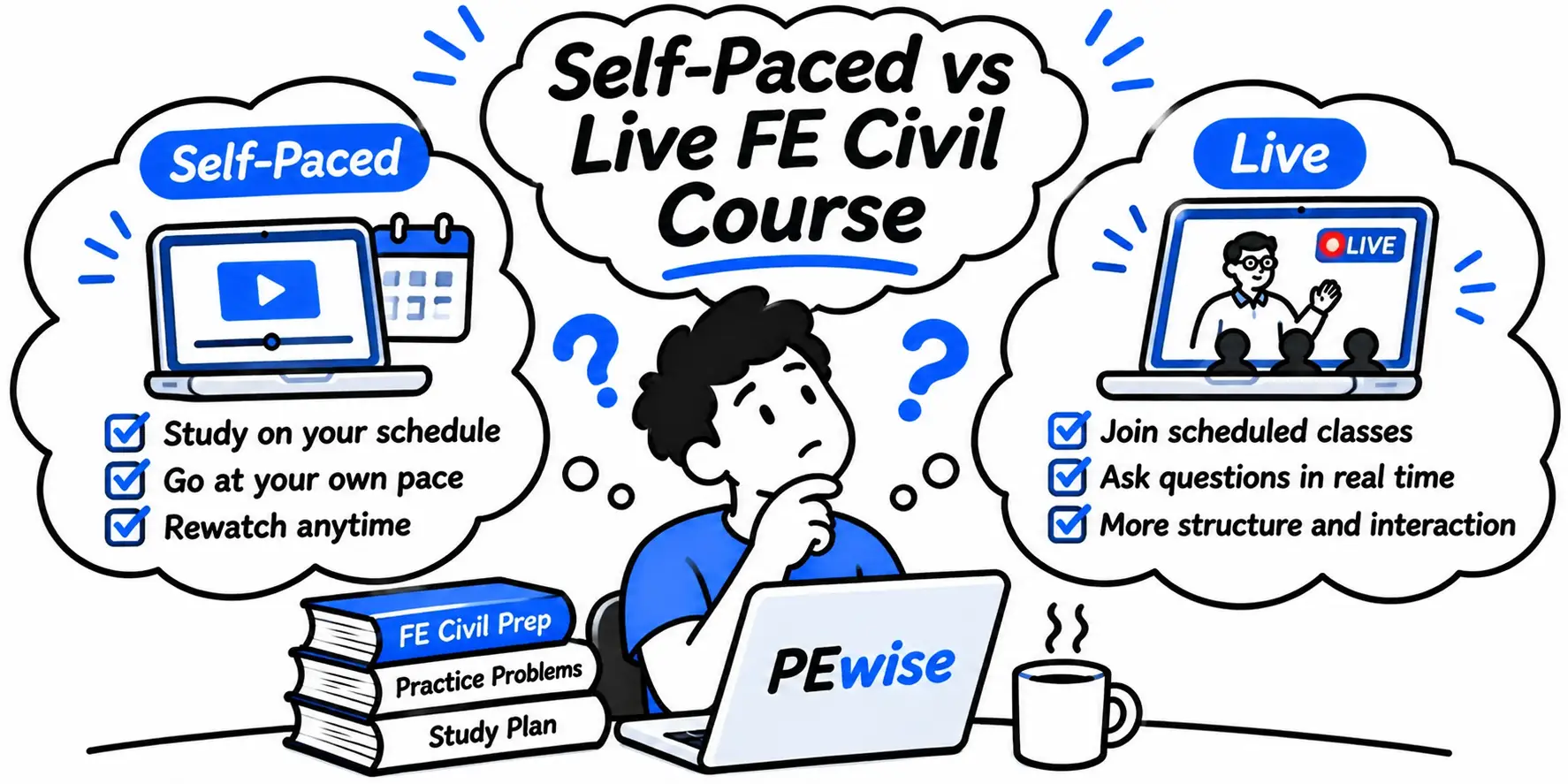
FE Civil Course Formats: Self-Paced, Live Online or In Person
Choosing an FE Civil course means finding a format you can use consistently. Compare self-paced, live online and in-person preparation by study schedule, instructor support, missed-class options and total cost through exam day—then decide which approach fits your working week.
FE Civil Course or Self Study: Which Is Right for You?
Should you take an FE Civil prep course or study independently? Learn how to assess your knowledge gaps, compare costs and choose an approach that fits your schedule—with practical checks before buying another resource.