PE Exam Day Survival Guide: What to Bring, Expect, and Do
Comprehensive guide to conquering PE exam day anxiety with a complete checklist of essential items, testing center procedures, and proven strategies to maximize your performance during the 8-hour exam.
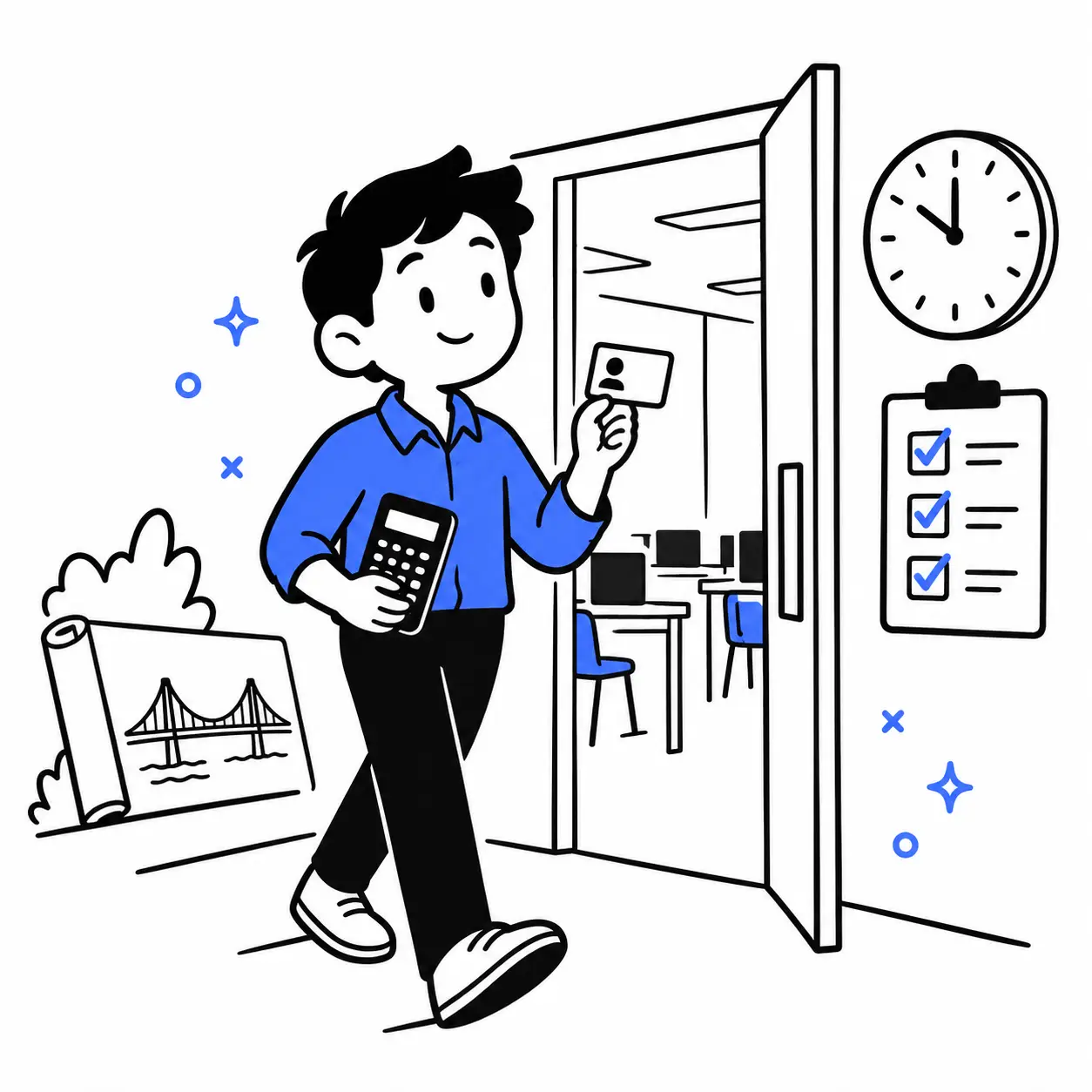
Bring an acceptable physical photo ID, a printed appointment confirmation, and your familiar NCEES-approved calculator. Pack food and water for breaks, check your route, and know which belongings must stay outside the testing room.
After months of preparation, it is understandable to worry about small details: whether your calculator is allowed, what happens at check-in, or whether you can take a bathroom break. Getting those details settled gives you fewer decisions to make when you arrive.
This guide covers the NCEES PE Civil exam at Pearson VUE, including Construction, Geotechnical, Structural, Transportation, and Water Resources and Environmental. Other PE examinations can have different arrangements. The Civil Structural discipline covered here is separate from the SE examination.
Your PE Exam Day Checklist at a Glance
Use this checklist the night before your appointment. You can print it or save a copy to review before leaving home.
Pack
- An acceptable, current physical photo ID with the required identifying details.
- A printed appointment confirmation with your name, exam, location, date, and time checked.
- Your approved calculator, tested and working; an optional approved spare for storage outside the testing room.
- Familiar food and water for breaks, plus any personal items permitted under the applicable rules.
Confirm
- Your first and last names match on your ID and appointment confirmation.
- Your route, parking, travel buffer, and arrival plan are ready.
- Your clothing and any comfort aids or accommodations meet the current requirements.
Remember
- Power off electronics and store prohibited room items before screening; request center-provided ear protection if needed.
- Review your current section before submitting it, and leave time for check-in when returning from a break.
Keep the item rules below beside your checklist. Bringing something to the center does not automatically mean you can take it to your workstation.
Jump to what to bring, the exam-day schedule, break rules, or problem-solving guidance.
What to Bring to the PE Exam
Identification and Appointment Confirmation
Check your ID while there is still time to fix a problem. The official Examinee Guide accepts a physical government-issued ID from the country where you are testing, an international travel passport in Roman characters from your country of citizenship, or a U.S. military ID.
Your ID must be current and contain the required expiration date, name, date of birth, recognizable photograph, and signature. A valid U.S. military ID without a signature is accepted. Digital and student IDs are not accepted.
Compare the first and last names on the ID with your appointment confirmation. If they differ, contact NCEES before exam day. Its name-correction guidance explains the MyNCEES support-ticket process and supporting documentation.
Print your appointment confirmation to help admissions go smoothly. Check the actual appointment details rather than relying on a calendar entry you made several weeks earlier.
Your Calculator and Optional Backup
Choose the calculator you know how to use comfortably. Check its power source, display, keys, and model name before packing it.
The approved PE calculater families for 2026 are Casio fx-115 and fx-991, Texas Instruments TI-30X and TI-36X, and Hewlett-Packard HP 33s and HP 35s. Calculator approval is reviewed annually, so confirm the policy for your exam year.
You may take one approved calculator into the testing room without its cover. An optional spare and calculator covers stay with your stored belongings. If your primary calculator fails, ask the administrator how to proceed before attempting to retrieve a replacement.
Practicing with a familiar calculator also makes it easier to notice an incorrect setting. The appropriate angle mode depends on the calculation; do not assume one setting works for every problem.
Food, Clothing, Medication, and Comfort Aids
Pack food you already know suits you and enough water for your breaks. Choose comfortable clothing and check the rules for an extra layer. The Examinee Guide permits a light sweater or non-outerwear jacket, with fabric restrictions that exclude materials such as nylon and polyester for that layer.
This table separates what you carry, what you store, and what the center supplies.
| Item | Bring or request | Where it belongs | Important detail |
|---|---|---|---|
| Acceptable photo ID | Bring | Testing room after admission | Check validity and name matching |
| Appointment confirmation | Bring a printed copy | Admissions; store afterward as directed | Verify every appointment detail |
| Approved calculator | Bring | Testing room | One calculator, without its cover |
| Calculator cover or optional spare | Bring if useful | Storage outside the testing room | Ask staff before accessing a spare |
| Food and water | Bring | Storage outside the testing room | Use during permitted breaks |
| Eyeglasses | Bring if needed | Testing room | Store the case outside |
| Light sweater or non-outerwear jacket | Bring if needed | Testing room if permitted | Check the guide's fabric restrictions |
| Phone and any watch | Minimize what you carry | Storage outside the testing room | Power off electronics |
| Bags, wallets, and purses | Bring only what you need | Storage outside the testing room | Locker space may be limited |
| Personal books, notes, pens, or paper | Leave at home | Outside the testing room | References and scratch equipment are supplied |
| Reusable booklets and markers | Supplied by the center | Testing room | Ask the proctor for replacement materials |
| Ear protection and tissues | Request from staff | As permitted by the program | Do not assume personal supplies are accepted |
| Medication, medical devices, or other aids | Check your specific item | According to the applicable rules | Inspection, packaging, or approval conditions may apply |
Review the Pearson Comfort Aid List for your particular needs. Listed aids have inspection and, in some cases, packaging or device conditions. Earplugs and noise-reducing headphones are center-provided comfort aids at Pearson Professional Centers; other testing channels have accommodation requirements.
If you need an item or arrangement requiring formal accommodation approval, address it before your appointment. A conversation at check-in cannot replace the approval process.
What Not to Bring into the Testing Room
Electronics, Watches, and Personal Belongings
Phones, smartwatches, fitness trackers, personal audio devices, and ordinary watches are prohibited in the testing room. Store them as directed before screening. Silencing a phone is insufficient: electronics must be powered off.
Bags, purses, wallets, coats, and other prohibited room items also remain outside. Religious head coverings have an exception under the official rules. Keep your belongings manageable and avoid carrying unnecessary valuables.
Some restrictions apply to the whole center. Weapons, for example, are prohibited at the test center and cannot simply be placed in a locker.
Books, Notes, and Personal Writing Materials
Leave your textbooks, formula sheets, annotated references, personal paper, pens, pencils, and erasers at home. The exam supplies electronic references and the center supplies reusable booklets and markers.
If you have prepared using printed materials, rehearse finding information electronically before your appointment. Knowing a formula's location in your own binder will not help you locate it in the exam viewer.
What to Do Before Exam Day
The Week Before: Check the Details That Take Time to Fix
Start with the things that could disrupt admission or travel. Check your appointment, identification, route, and any approved personal arrangements. If something is inconsistent, contact the responsible organization while there is time to respond.
Then make your remaining preparation manageable. Test the calculator you will carry, revisit recurring mistakes, and practice locating information in the electronic references. If you still have time for a rehearsal, use a timed session to check your process rather than collecting more resources.
PEwise's guide to using PE practice exams explains how to turn practice results into useful review. Choose a workload that fits your remaining time and energy. You do not need to follow a rigid rule that everyone must stop studying exactly a week before the exam.
The Night Before: Pack Once and Keep the Routine Familiar
Put your ID, confirmation, calculator, and break supplies together. Lay out your clothes, set your alarms, and check the route one final time. Decide what you will eat before leaving so breakfast does not become another rushed decision.
Give yourself an opportunity to sleep. If nerves make the night less restful than you hoped, return to the plan you already made rather than treating that as a prediction about your result.
Once the practical checks are complete, you can put the checklist down. Repacking the same bag repeatedly rarely gives you more useful information.
What to Expect When You Arrive at Pearson VUE
When to Arrive and What to Check First
Plan to arrive 30 minutes before your scheduled appointment. Build your travel buffer around that arrival time, including parking and finding the correct entrance.
Keep your ID and printed confirmation accessible. Before screening, check pockets and clothing for a phone, watch, notes, or another item that should have been stored. Taking a moment here is easier than discovering a forgotten device at the testing-room entrance.
Identification, Security Screening, and Your Workstation
Expect identity verification, agreement to the exam rules, a digital photograph, palm-vein scans, belongings storage, and security screening. Staff may ask you to empty pockets, show sleeves, and complete the required checks before escorting you to your workstation.
The center supplies your scratch materials. Ask any procedural questions while the administrator is helping you settle in. If you need noise protection, make that request before distractions start affecting your concentration.
Use the tutorial to become comfortable with the controls. Check how to navigate questions, review answers, and open references. You have already done the engineering preparation; this is your opportunity to settle into the testing setup.
How the PE Civil Exam Day Is Structured
Appointment Length and Testing Time
The PE Civil exam has 80 questions and eight hours of testing within a nine-hour appointment. The official PE Civil information separates the appointment components as follows.
| Component | Allocated time |
|---|---|
| Nondisclosure agreement | 2 minutes |
| Interface tutorial | 8 minutes |
| Testing | 8 hours |
| Scheduled break | 50 minutes |
| Total appointment | 9 hours |
Allow additional time in your day for early arrival, checkout, and travel. Eight hours divided across 80 questions gives an overall average of six minutes per question, but individual questions will take different amounts of time.
What Appears on Your Exam Computer
You work with questions, navigation and review controls, a timer, and electronic references. The supplied references include the PE Civil Reference Handbook and the design standards specified for your discipline and exam date.
Questions include multiple choice and alternative item types, such as selecting multiple correct options, entering a numerical response, dragging items, or clicking a location on a graphic. Practice interpreting the response instructions as carefully as the engineering question.
Use the reference viewer's search box. Ctrl+F is unavailable in the exam software. For a fuller walkthrough, see the PE Civil exam format guide.
Review Your First Section Before Submitting It
The exam has two sections sharing the available testing time. They are not individually timed four-hour sessions.
After approximately half the questions, you review and submit the first section before the scheduled break becomes available. Submitted first-section questions are no longer accessible. Check unresolved questions and recorded answers before making that decision.
Keep enough time for the remaining section. Your review plan should work within the section currently available to you.
PE Exam Break Rules: Scheduled and Unscheduled
What Happens During the Scheduled Break
The scheduled break follows first-section submission. Use it to eat, drink, move, and prepare to return. Familiar food and a simple plan make the break easier to manage.
Allow time for readmission. A 50-minute break does not mean you should arrive at reception exactly 50 minutes after leaving your seat.
| Decision | Scheduled break | Unscheduled break |
|---|---|---|
| When available | After reviewing and submitting the first section | During testing, with proctor assistance |
| Testing-clock effect | Designated break time is separate from testing | Time is deducted from testing time |
| Leaving the building | Permitted; return on time | Not permitted |
| Stored-item access | Follow exam rules and staff directions | Limited to specifically permitted items |
| Return procedure | Allow time for readmission | Follow the proctor's re-entry procedure |
Returning late costs testing time. Finishing the scheduled break early does not add the unused minutes to your testing allowance.
Bathroom Breaks and Other Unscheduled Breaks
If you need to leave your seat, raise your hand and wait for the proctor. You can take an unscheduled bathroom break, but the exam timer continues running.
Access to stored belongings is restricted. Permitted items include food, beverages, feminine hygiene products, and items on the Comfort Aid List. Medication required at a specific time needs the test administrator's prior permission. Other personal belongings are not available during an unscheduled break.
Check any medication or personal-care arrangements beforehand so you know what to request and where the item should be kept.
What to Do During the Exam—and Mistakes to Avoid
Flag, Review, and Manage Time Within Your Current Section
When a question stalls, decide whether more time is likely to help. You might answer it, flag it for review, and move forward to something you can complete more efficiently.
A multiple-pass approach can help you organize the current section. Work through accessible questions, revisit selected items, and check remaining answers before submission. Keep your flags meaningful: flagging almost everything makes it harder to identify where review will help.
Use Your Calculator and Electronic References Deliberately
Read the requested units and answer format before calculating. Check settings when the calculation depends on them, and use specific reference search terms rather than repeatedly trying a broad phrase.
When revisiting an answer, identify the reason for changing it: a missed condition, a unit error, a reference provision, or a calculation mistake. A vague feeling that the original answer looks too easy is less useful than checking the actual work.
| Avoidable mistake | Better action |
|---|---|
| Losing track of time on one question | Make a deliberate decision to continue, answer, or flag |
| Searching the same broad term repeatedly | Refine the term or navigate to the relevant reference section |
| Overlooking response instructions | Check whether the item needs one answer, several selections, or a typed value |
| Submitting without a final review | Check unanswered and flagged items before closing the section |
| Treating the break return time casually | Leave a buffer for readmission |
Reset When You Feel Stuck
A difficult question can make the whole exam feel harder for a moment. Bring your attention back to the next action: reread the requested quantity, identify the known information, or choose whether to move on.
Take a slow breath, relax your grip, and work through one decision at a time. If test anxiety regularly disrupts your preparation, PEwise's PE exam anxiety guide offers a more complete plan.
What to Do If Something Goes Wrong
ID Problems, Delays, or a Test-Center Closure
Handle an identity discrepancy before traveling. If illness, an emergency, or a travel problem affects attendance, contact the program through your appointment information and review the official rescheduling and cancellation guidance. Exceptions depend on the circumstances and documentation.
If Pearson notifies you of a closure, follow the rescheduling instructions in that message. Keep confirmation emails and records of your communications together.
Calculator, Writing-Material, or Computer Problems
Raise your hand when something interferes with testing. Explain the issue clearly and let the administrator handle the procedure.
| Problem | Immediate action | Follow-up |
|---|---|---|
| Name discrepancy discovered beforehand | Contact NCEES through MyNCEES | Complete the required correction process |
| Delay, illness, or emergency | Contact the program using your appointment details | Check applicable rules and document the circumstances |
| Closure notification | Follow Pearson's message | Confirm the replacement appointment |
| Calculator stops working | Notify the administrator | Ask about accessing your stored approved spare |
| Marker or booklet is unusable | Raise your hand and request assistance | Have the material replaced through the proctor |
| Computer or software problem | Report it immediately | Record the incident through the official process if needed |
Do not assume an interruption automatically pauses the clock or guarantees compensation. Report the issue when it occurs so staff can respond and document it.
After the Exam: Checkout, Results, and Next Steps
Follow the proctor's exit procedure, return supplied materials, and collect your belongings and verification-of-testing letter. Raise concerns about the test center before leaving; exam-related comments can be submitted through MyNCEES within the specified 48-hour window.
Protect exam confidentiality when talking with friends, colleagues, or online communities. You can discuss preparation and general logistics without revealing specific exam questions or answers.
PE Civil results are typically available within 7–10 days. You receive an email notification and view the result in MyNCEES. PEwise's CBT PE exam results guide explains reporting and what your result means.
Give yourself room to decompress while waiting. Feeling uncertain afterward does not establish that you failed. If you pass, check your licensing board's remaining requirements. If you do not pass, use the diagnostic report and a focused PE exam retake plan to decide what needs attention.
PE Exam Day Checklist FAQs
Is One ID Enough for the PE Exam?
The NCEES Examinee Guide requires one qualifying physical photo ID. Check the document's identifying details, validity, and name match. Bringing another card does not automatically resolve a problem with an unacceptable primary ID.
Do I Need to Print My Appointment Confirmation?
Bring a printed copy. The official guide recommends it to speed check-in, and it gives you an accessible record of the appointment while your phone is stored.
Can I Bring Two Calculators?
You can bring an optional approved spare to store with your belongings, but only one approved calculator may enter the testing room. Calculator covers also stay outside.
Can I Wear a Watch During the PE Exam?
No. Ordinary watches, smartwatches, and fitness trackers are prohibited in the testing room. Use the exam's on-screen timer.
Can I Bring My Own Earplugs or Headphones?
Request approved ear protection from the center. Pearson Professional Centers provide these items; other testing channels have accommodation conditions. Do not assume personal earplugs or audio equipment can enter the room.
Is the PE Civil Exam Open Book?
You cannot use personal books or notes. The exam provides a searchable electronic handbook and the specified design standards. Prepare to work with those supplied references.
Can I Take a Bathroom Break or Leave the Building?
Bathroom breaks are available with proctor assistance, and unscheduled breaks use testing time. Leaving the building is permitted during the scheduled break, with an on-time return; it is prohibited during unscheduled breaks.
Can I Review First-Section Questions After the Break?
No. Once you submit the first section, those questions are inaccessible. Finish your review before submitting it.
Does a Shorter Scheduled Break Give Me Extra Exam Time?
No. Unused scheduled-break time does not increase the time available for answering questions.
What If I Need Medication or an Accommodation?
Check your item against the Comfort Aid List and your program's rules before the appointment. Formal accommodations require the appropriate approval process. Discuss medication that must be accessed at a specific time with the administrator in advance.
Rehearse Your PE Civil Exam Day with PEwise
If you still have preparation time, rehearse the decisions in this guide: finding a reference, working under a timer, flagging a question, and reviewing answers before submission.
PEwise's PE Civil practice exams offer timed practice, calculator tools, question flagging, reference access, and detailed solutions in a CBT-style study environment. Choose the practice set for your discipline and use the results to guide your next review. PEwise is a study platform; it does not provide the actual NCEES testing software.
For tomorrow's appointment, finish the checklist, put your essentials together, and keep your morning plan familiar. You have a clear sequence to follow when you arrive.
Keep Reading
PE Exam Anxiety: How to Manage Stress Before and During the PE Civil Exam
PE exam anxiety is manageable when you reduce avoidable uncertainty and rehearse the decisions you will need under pressure. Use this PE-specific plan for study, sleep, pacing, blank-mind recovery, the scheduled break, retakes, and accommodations.
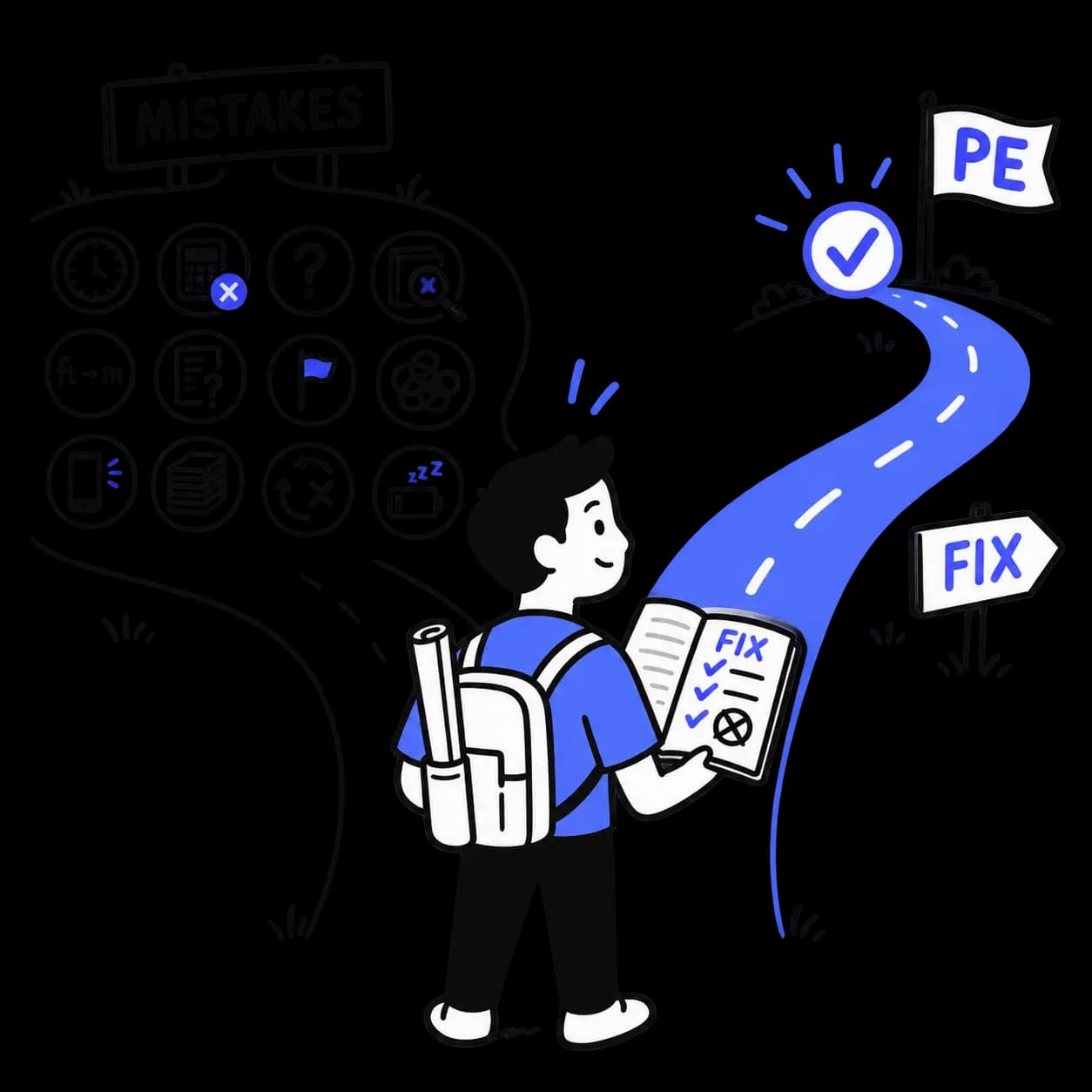
12 Common PE Exam Mistakes and How to Avoid Them
Hard work alone does not guarantee PE exam success. Learn how to avoid 12 common mistakes involving study planning, weak topics, calculations, reference use, pacing, and test-day preparation.
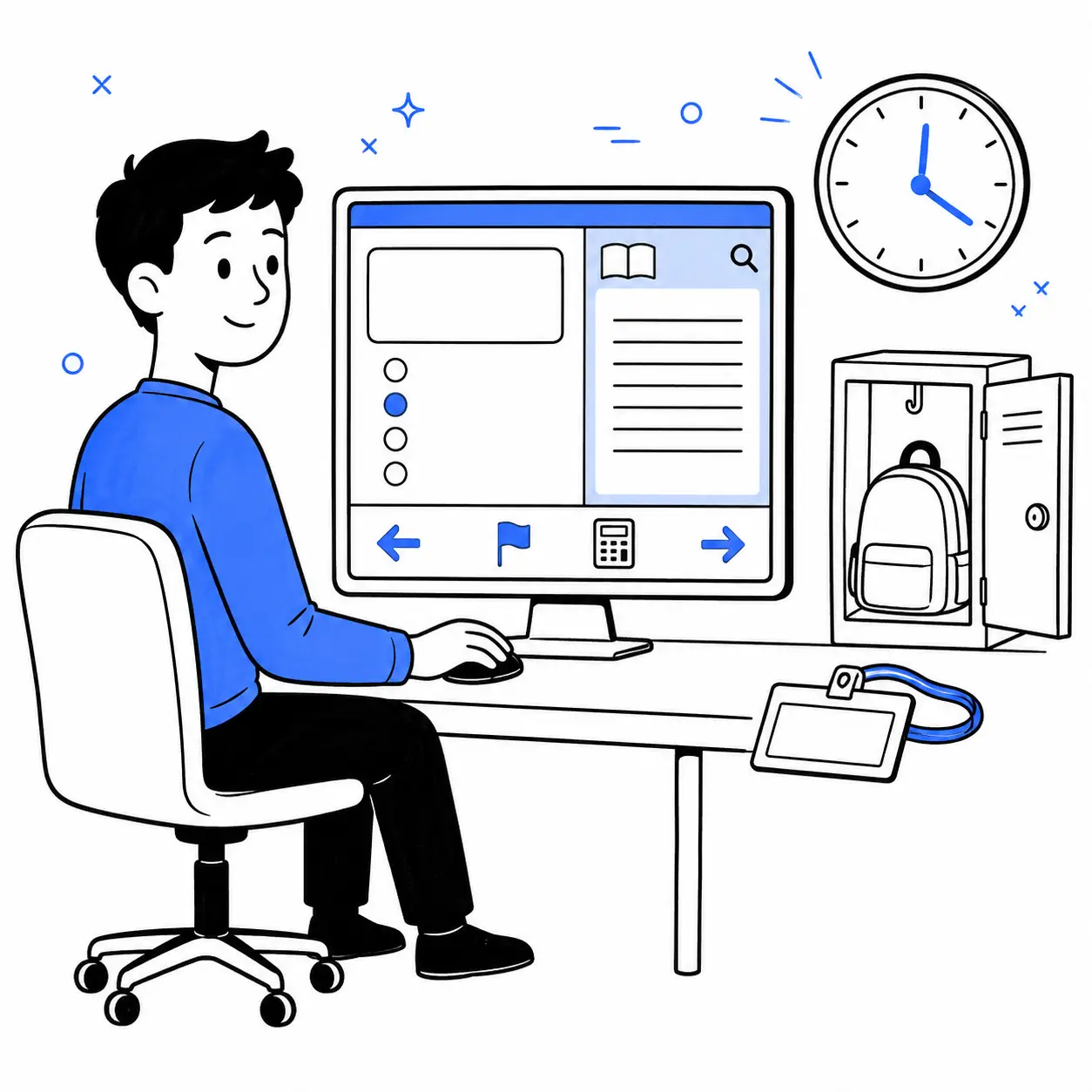
PE Civil Exam Format: Questions, Timing, Breaks & CBT Sections
The PE Civil exam has 80 questions, eight hours of testing, and a break between two CBT sections. Here’s what to expect from the timing, question types, electronic references, and section submission on exam day.